01 — Live demo
TARS
I enjoyed the movie Interstellar so I named this web app after it. It runs a whole bunch of home automation stuff. The home theater receiver, the lights, the fans, and more. It felt freeing to put menus and screens wherever I wanted. I'm sure it would confuse anyone else, but this one's mine.
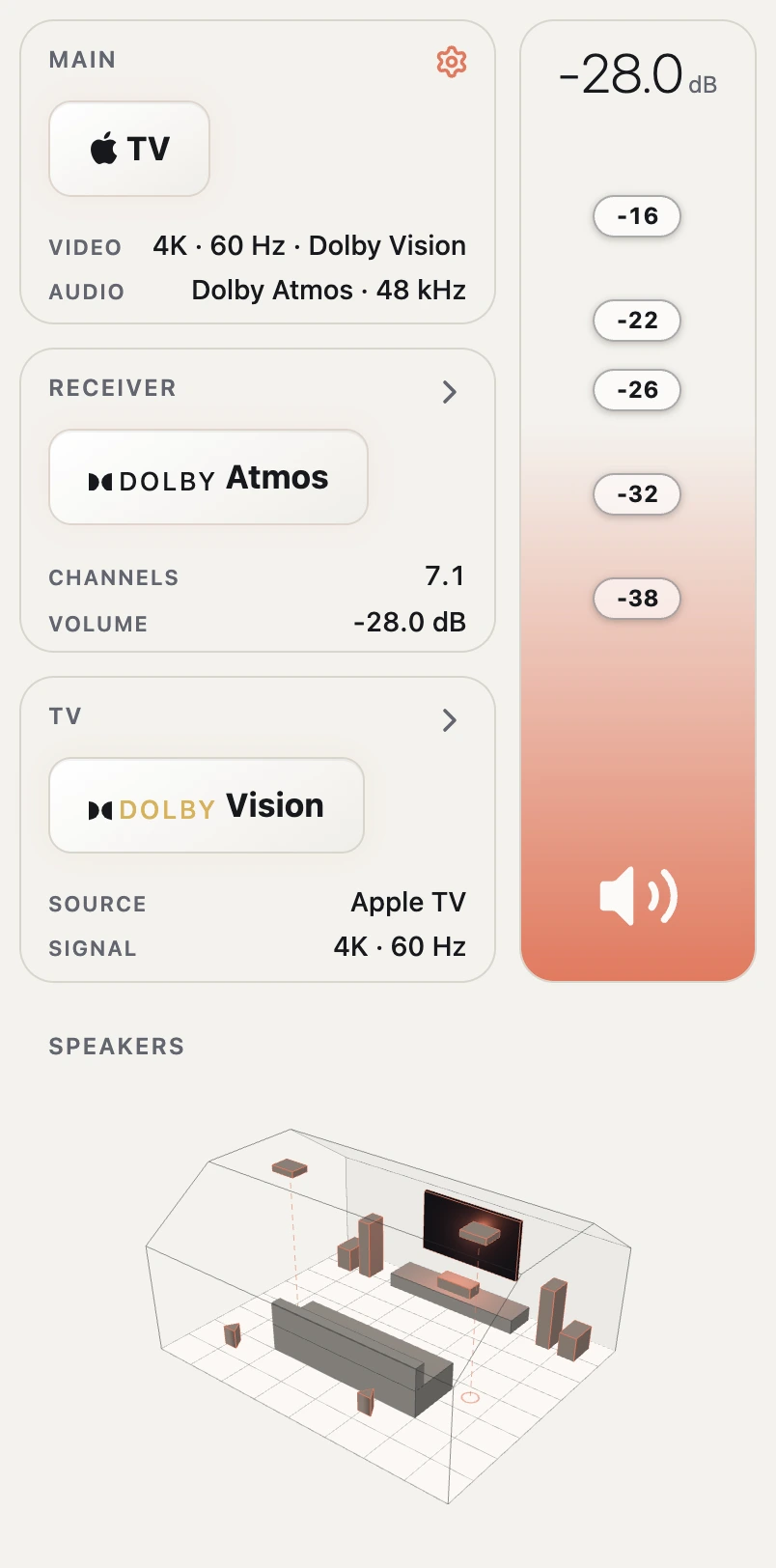
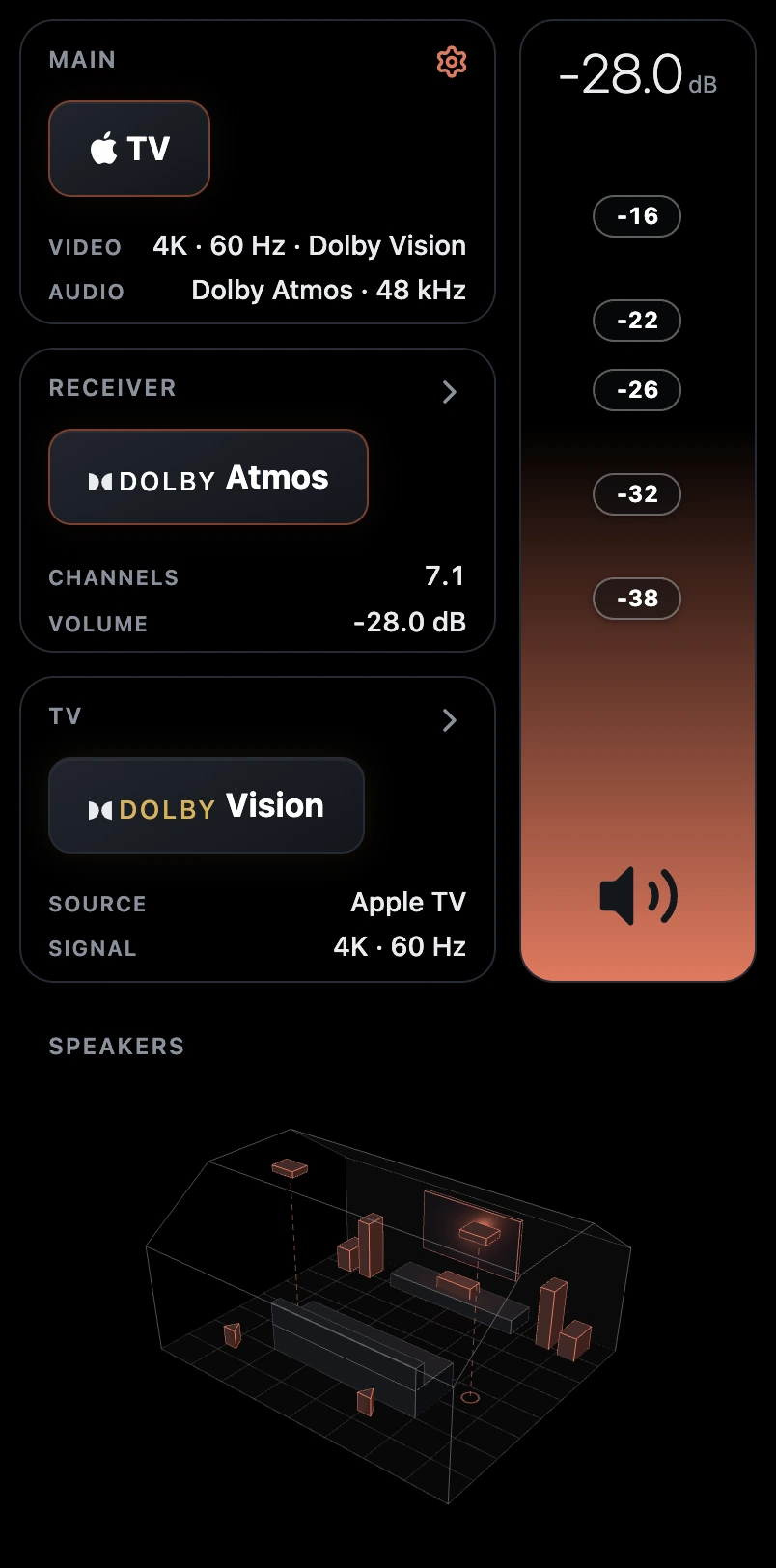
Loading the demo…Demo didn't load. That's a screenshot of it above, or try tars.jsfowles.com
01.1 — Not a screenshot
First time I've embedded a live demo like this. In an <iframe> no less, not sure how I feel about that but it works surprisingly well. Play around with it, remember, the UX/UI might not be obvious to anyone but me. The same site is my actual remote. On my home Wi-Fi it drives the room; anywhere else, including here, it's the demo.
01.2 — Speakers — 5.1.2
- Front L/RDefinitive BP-9040
- CenterDefinitive CS-8080HD
- Surround L/RDefinitive SR-8040BP
- Height L/RDefinitive DI 5.5BPS
- Subwoofers ×2SVS SB-2000
01.3 — Problem
Eight apps and a remote
To my wife's chagrin, I like to mess around with settings making sure sounds and display settings are dialed in. LG's TV app is miserable and barely ever works, the Marantz app isn't too bad but most of the settings I use are buried in submenus. The Apple TV app is great though.
01.4 — Design
Everything on one screen
I wanted the app to feel native to the phone, so I made sure most views wouldn't scroll, some of the sub menus will scroll if they have a lot of content, but was able to mitigate that a bit with accordions.
01.5 — Architecture
The part I knew least
The front end is pretty straightforward, and only consists of a few components. I went through a few iterations before landing on the current design. What was out of my wheelhouse was the back end: a receiver over telnet, a TV over webOS, fans over Bluetooth. I leaned on Claude a lot for that, and learned an absolute ton.
01.6 — Bluetooth
Fans that only speak Bluetooth
The AC Infinity fans in my floor registers were one more app on my phone. They only talk Bluetooth, through their own app. Other people had already cracked the protocol, so I wrote a small Python bridge on an old Mac Pro that's a Linux box now.
01.7 — Climate
The fans read the thermostat
TARS reads the Nest, so when the AC kicks on the register fans crank up to pull the cold air in. When the blower's circulating they run at medium, and otherwise they idle. The Nest doesn't report circulating, so TARS figures it out from the duct temperature.
01.8 — Lighting
The lights follow the sun
During the day the bulbs follow the sun, so the color changes with how high it is and how cloudy it is. From 8 to 11pm they slowly wind down to a warm orange before bed. Theater and Sleep are one tap each.
01.9 — Reference
The room and theme toggle
This is my home theater, the room TARS runs. I got the dimensions pretty close, and since then I found our house plans, so at some point I'll make it a bit more accurate. It's built in Three.js, so you can rotate it around for funsies.
This is the light/dark toggle from the demo website. The sun turns into a moon over a night sky with the Big Dipper in it. I first built it for a Mangomint project and might pull it out into its own package.
01.10 — Built with
ReactViteNodeThree.jsWebSocketswebOSpyatvsystemd